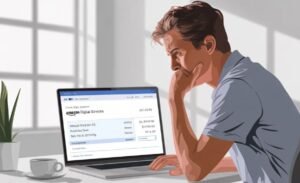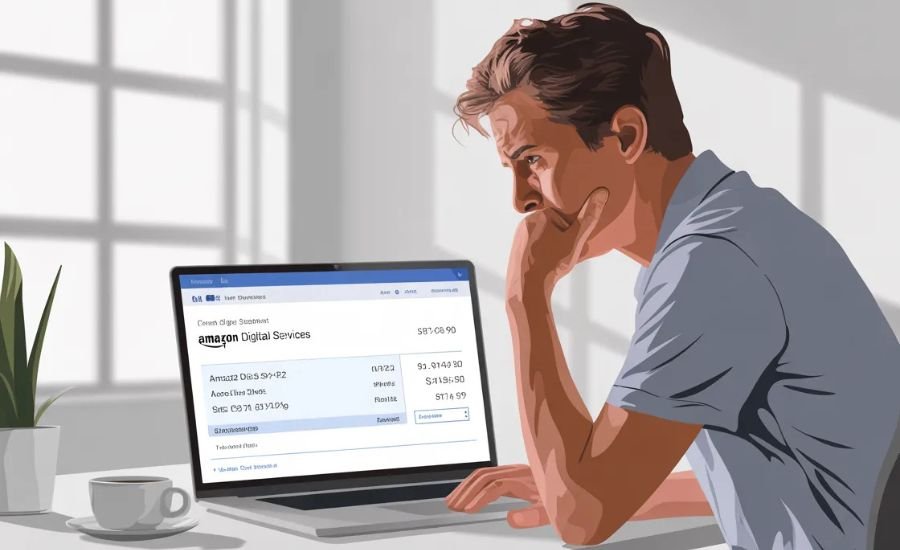
Have you ever checked your bank statement and noticed a charge called “Amazon Digital Services”? If yes, you’re definitely not the only one. It’s one of those things that shows up and makes you pause for a second.
So what is Amazon Digital Services, and why are you being charged?
In simple terms, Amazon Digital Services is a label Amazon uses for digital purchases and subscriptions. This can include things like Prime Video, Kindle books, Amazon Music, or even apps and games.
In this guide, I’ll walk you through what it means, why the charge appears, and what you can do about it.
What Is Amazon Digital Services?
Amazon Digital Services is not a single product. It’s more like a category.
Whenever you buy or subscribe to something digital on Amazon, the charge may appear under this name instead of the exact service.
So if you see it on your statement, it usually means you or someone using your account made a digital purchase.
This could be a one-time purchase or a recurring subscription.
What Does Amazon Digital Services Include?
Amazon offers a lot of digital services, and many of them fall under this label.
Here are some of the most common ones:
Amazon Prime
This includes benefits like Prime Video, faster delivery, and exclusive content.
Prime Video
You might have rented a movie or subscribed to a channel.
Kindle eBooks
Buying or downloading books from the Kindle store shows up as a digital charge.
Amazon Music
A monthly subscription for streaming music.
Audible
This is Amazon’s audiobook service with a monthly plan.
Appstore Purchases
Apps, games, or in-app purchases made through Amazon.
Why Am I Being Charged for Amazon Digital Services?
There are a few common reasons behind this charge.
Subscription renewal
Most Amazon services renew automatically every month or year.
Free trial ended
You may have signed up for a free trial and forgotten to cancel it.
Someone else used your account
A family member or child might have made a purchase.
Forgotten subscription
It’s easy to forget about services you signed up for a while ago.
How to Check Amazon Digital Services Charges?
If you’re not sure where the charge came from, here’s how you can check.
Step 1: Check your orders
Log in to your Amazon account and go to “Your Orders.”
Step 2: Look at digital orders
Switch to the “Digital Orders” section to see purchases like books, movies, or apps.
Step 3: Check subscriptions
Go to “Memberships and Subscriptions” to see active services.
This will usually help you find the exact source of the charge.
How to Cancel Amazon Digital Services Charges?
If you want to stop the charges, here’s what you can do.
Cancel subscriptions
Go to your subscriptions and cancel the ones you don’t need.
Turn off auto-renewal
Make sure auto-renewal is disabled so you don’t get charged again.
Contact Amazon support
If something looks wrong or unfamiliar, reach out to Amazon support. They can help you understand the charge and may even offer a refund.
Is Amazon Digital Services Safe or a Scam?
Amazon Digital Services is completely legit. It’s just a billing name used by Amazon.
That said, you should still pay attention if something doesn’t feel right.
If you don’t recognize the charge at all and no one else has access to your account, it’s a good idea to check your account activity or contact support.
Conclusion
Amazon Digital Services might sound confusing at first, but it’s simply a label for digital purchases and subscriptions on Amazon.
Most of the time, the charge is tied to something you signed up for, even if you forgot about it.
If you ever feel unsure, just check your account. It only takes a few minutes and can save you from unwanted charges.
Looking to improve your online presence?
From SEO to paid ads, Whack Digital offers complete digital marketing solutions tailored to your business.
Start growing your brand today.
Frequently Asked Questions
It’s a charge for a digital product or subscription purchased through Amazon.
In many cases, yes. Amazon support can guide you depending on the situation.
Cancel your subscriptions and turn off auto-renewal in your account settings.
It’s usually a subscription renewal, a free trial turning into a paid plan, or a purchase made by someone using your account.